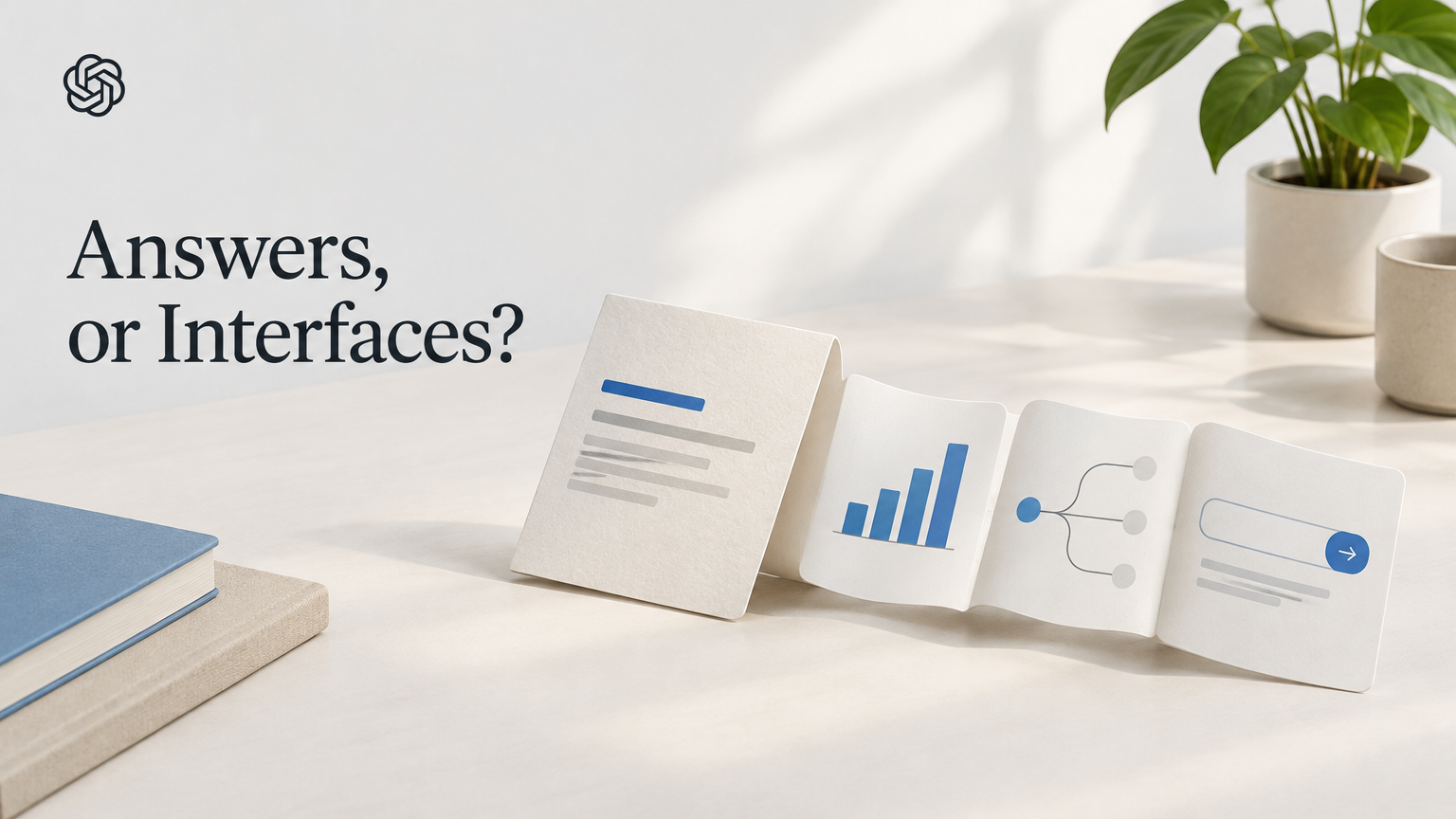
A ChatGPT answer does not have to stop at a paragraph. OpenAI’s GPT-6 release adds what it calls Intelligent UI: responses that can combine text with interactive elements such as buttons, forms, charts and task-specific tools. The company’s examples include comparison views, diagrams, calculators, bill splitters and games. It also says ChatGPT may still respond in plain text when that is the better fit. (OpenAI; ChatGPT release notes)
That makes the useful question less “Is an interactive answer better?” and more “Which format suits this task?” A chart may help make a comparison easier to scan; a form or calculator may help someone work through inputs. But a visual interface is not automatically clearer, more accurate or more useful than a direct explanation. OpenAI describes the feature’s intended benefits, but the sources available do not independently establish how well it performs in routine use.
Two ways to get an answer
Plain text is the familiar option: a written response that can explain a concept, lay out steps or summarize a comparison. Its advantage is that the answer itself is the focus. If you want a short definition or a few paragraphs of context, extra controls may add little.
Intelligent UI can put information into a more task-shaped format. OpenAI’s release notes describe examples such as diagrams, comparisons, calculators and bill splitters; the announcement also mentions forms, charts, buttons and small tools. The idea is to make some answers usable as well as readable. (OpenAI; ChatGPT release notes)
These are not two separate products that a user must pick from a menu, based on the announcement. Rather, GPT-6 may produce an interactive response where suitable, while a plain-text answer remains an option. The available materials do not explain a setting that lets users require one format every time. So the comparison is best understood as two possible response styles—not as a guaranteed choice or a promise that every question will receive a custom interface.
| If your task is… | A format that may fit | The trade-off to keep in mind |
|---|---|---|
| Getting a short explanation | Plain text | Less visual structure, but it can keep a simple answer focused |
| Comparing items or understanding a relationship | A comparison view, chart or diagram | A visual can organize information, but the sources do not establish that it will be clearer or more accurate |
| Working through a calculation or a set of inputs | A calculator or form | An interactive tool may make the steps easier to use; you still need to judge whether its assumptions suit your task |
| Asking for something that does not benefit from interaction | Plain text may be more suitable | The release notes say ChatGPT may use text instead of an interactive element |
The examples in this table are illustrative applications of formats named by OpenAI, not reports of tested outcomes. The sources do not specify exactly how each example behaves, what inputs it accepts, or how it handles errors. Treat the format as a way of presenting an answer, not proof that the underlying response is correct.
When the format could help
Consider someone trying to divide a shared bill. A written answer could describe the arithmetic; a bill splitter, one of OpenAI’s examples, suggests a more hands-on alternative. A user might enter amounts or adjust inputs rather than read instructions and do every step separately. That is an illustrative scenario, not a claim that the released tool has particular features or that it handles every kind of bill correctly.
A comparison presents a different case. A reader weighing several options may find a chart or comparison view easier to scan than a block of prose. A diagram may help make a relationship visible. In either case, the visual format can change how information is arranged; it does not, by itself, validate the information. If a choice depends on details that matter to you, read the explanation and check the relevant facts rather than treating a polished display as a recommendation.
The feature may be less valuable when the task is already simple. If you ask for one definition, a direct answer may take less effort to read than an interactive element. OpenAI’s own description leaves room for this: the system may use plain text when it considers that more suitable. That distinction matters. The announcement describes a new response capability, not a rule that all answers should become interfaces. (ChatGPT release notes)
Access depends on plan and rollout
OpenAI announced GPT-6 with Intelligent UI on October 7, 2026. Its rollout began globally that day for Plus, Pro, Business and Enterprise users. Free and Go users were scheduled to follow on October 8. For Enterprise accounts, access depends on workplace administrator settings. (OpenAI)
That schedule is not the same as confirmation that every eligible account already has the feature. The rollout is staged, so availability may vary during the rollout. If you use ChatGPT and do not see the new format, the announcement alone does not tell you whether it has reached your particular account. For Enterprise users especially, an administrator’s settings are part of the access picture.
The change is also narrower than a general update to all OpenAI products. OpenAI says it applies to ChatGPT’s Chat experience; the models powering ChatGPT Work and Codex are not changing in this release. Someone using one of those products should not assume this announcement changes how their work there behaves. (OpenAI)
A practical way to judge it
When an interactive answer appears, ask what it helps you do. Does the chart make a comparison easier to follow? Does the form reduce repetitive steps? Does the diagram clarify a relationship you were struggling to picture? If the answer is no—or if the interface distracts from the explanation—plain text may be the more useful format.
Then check the substance. A button, diagram or calculator is still part of an AI-generated response; appearance is not evidence that its contents have been independently verified. For a calculation, check the inputs and result if the stakes matter. For a comparison, make sure the answer includes the criteria that matter to your decision. The available sources do not document specific safeguards, error rates or independent usability results for these new interfaces, so it would be premature to assume those questions are settled.
OpenAI’s announcement describes a shift in how ChatGPT can present answers: sometimes as text, sometimes as a small interactive experience that combines words and visuals. Whether that is an improvement will depend on the job in front of you. Use the interactive format when it makes a task easier to work through; prefer a straightforward explanation when it keeps the answer clearer. The feature offers another way to meet a request, not a reason to trust an answer more.
Sources
- GPT-6 and Intelligent UI for everyone (2026-10-07)
- ChatGPT release notes (2026-10-08)
- ChatGPT is getting a lot more visual, with the launch of a new interface (2026-10-07)