AI & LLM2026
milc: Voice-Powered AI Text Editing for Windows & Mac
An Electron desktop app that brings voice input, rewriting, translation, and shortcuts into everyday writing, backed by a Node.js and Express API.
The challenge
AI writing tools often require people to leave their email, document, or chat application, paste text elsewhere, and then move the result back. milc addresses that interruption by bringing voice commands and text editing into the user's current desktop workflow.
Architecture & approach
Project date: January 2026.
Writing without leaving the current application
milc brings AI-assisted editing into an existing desktop workflow. A user selects or copies text, activates a voice command or shortcut, and asks for a transformation such as clearer wording, a shorter response, a translation, or a professional tone. Voice input also supports drafting text directly where the user is working.
The product is built around the moment of editing, rather than a separate chatbot conversation. The selected text and requested transformation belong together; the result needs to return to that same writing context.
Electron desktop app and Express API
I built the desktop application with Electron and the API with Node.js and Express. Electron provides the cross-platform application layer for Windows and macOS, while the API provides a service boundary for AI-assisted text processing.
The user-facing flow is:
- Capture selected or copied text, or begin voice input.
- Activate an editing action through a spoken command, shortcut bar, or configured keyboard shortcut.
- Send the requested text transformation through the service boundary.
- Return the transformed text to the user's writing workflow.
This separation keeps desktop interaction concerns distinct from the AI-service integration. The public material does not identify the speech-recognition engine or the underlying hosting and database services, so those are not specified here.
AI processing and privacy boundaries
The published security policy describes calls to external AI APIs, including OpenAI and Google Gemini, through the company's cloud servers over TLS/HTTPS. It states that user text is processed transiently in memory and is not retained in the company's databases, backups, or logs.
That is a stated product policy, not an independent compliance certification. External AI providers have their own data-handling terms, and transient text processing should not be confused with an entirely offline AI workflow.
The policy distinguishes writing content from operational data such as account identifiers, token usage, and payment information. It identifies Stripe for sensitive payment processing. This separation makes it possible to describe service operation without treating the user's writing as persistent application data.
Product experience
The public product experience supports rewriting, summarization, translation, tone adjustments, reply assistance, and configurable shortcuts. The engineering goal is to reduce the interruption between having something to say and making the wording useful, while leaving the user in control of the final text.
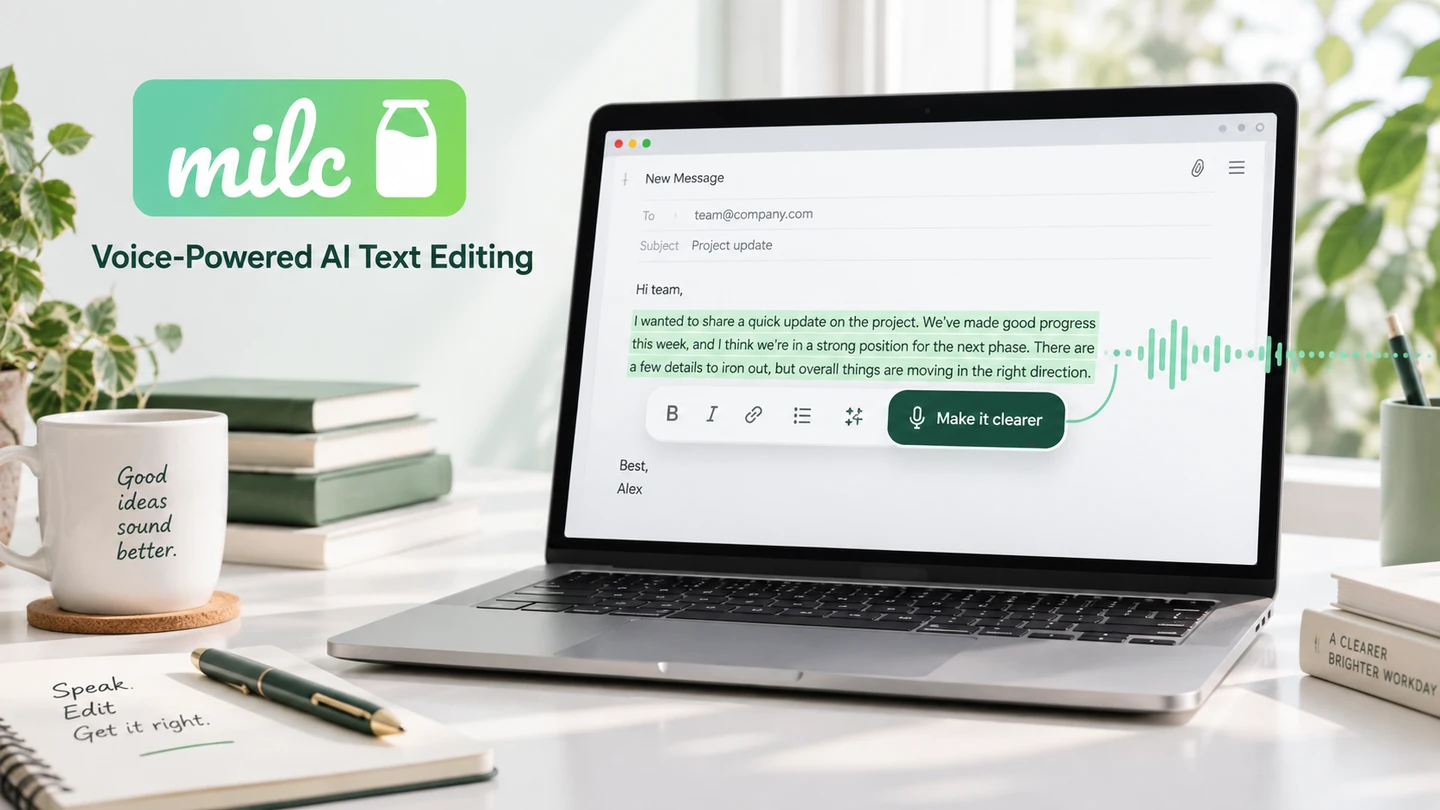
The cover is an AI-generated visualization of that workflow, not a screenshot of the Electron application. The linked product site is the source for its current interface and supported features.
My contribution
Product Creator & Software Engineer. Created milc, including the Electron desktop application and the Node.js/Express API. Connected a voice-first editing experience with AI-assisted text transformations and the surrounding product experience.
Results & boundaries
Published a voice-first desktop product and its public product experience. milc presents voice input, selected-text editing, configurable shortcuts, and writing transformations for Windows and macOS. This case study describes the product and documented service boundaries; it does not claim independently measured adoption, latency, or productivity gains.