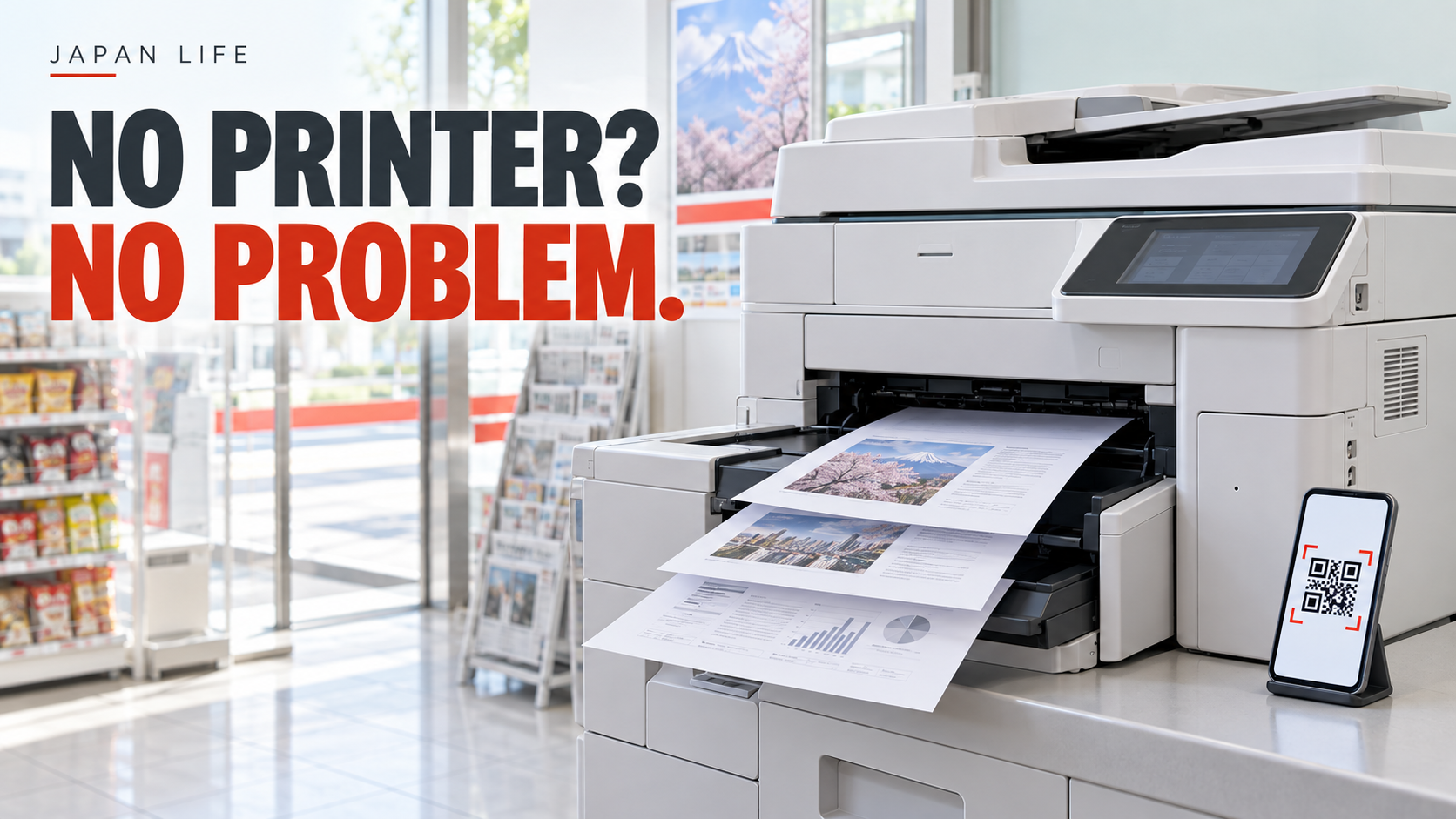
The document is on your phone. The appointment is soon. You do not own a printer.
Before buying one for a single form, check whether a nearby Japanese convenience store has the printing service you need. The real life hack is preparing the file before you reach the machine, rather than turning the store into your editing desk.
Practical guide checked October 5, 2026. The example below is Seven-Eleven Japan; do not assume another chain uses the same app, file rules, or prices.
Two routes, one choice
Seven-Eleven describes two useful approaches: upload a file to a netprint service and use a reservation number or QR code, or transfer a document from a phone to its multifunction copier through the Seven-Eleven Multicopy app. The latter also supports saving scans back to a phone. Seven-Eleven's printing-service comparison
These are different workflows. Do not install an app solely because its icon looks familiar. Start from the chain's official service page and choose the route matching your file and device.
For a simple PDF, preparing a reservation before you leave can be convenient. If you want to transfer locally or scan something, review the Multicopy instructions instead. The right answer depends on the job, not on which app has the shortest name.
Your small preflight checklist
Open the final file and check the actual pages. Is the signature area present? Is the second page blank? Did the exported document keep its line breaks? A filename ending in "final" is not proof that you opened the right version.
Then decide what you need: paper size, color or black-and-white, number of copies, and whether both sides are acceptable. If an organization supplied requirements, follow those rather than a general blog's preference.
Use a descriptive filename such as application-print.pdf without putting your full identity or private reference number in the name. This is a privacy-minded suggestion, not an official naming requirement. Keep the original separately so you do not accidentally replace it while preparing a print-friendly copy.
The deadline nobody notices
Seven-Eleven says the registration-free Kantan netprint option has a printing deadline of the reservation date plus one day; the registered netprint option has a different, longer window. Check the expiry shown for your own reservation, especially if you upload tonight and plan to print later. Official app and expiry details
The clever move is not uploading everything weeks early. It is matching the preparation time to the service's actual window. Take a private screenshot of the reservation details if helpful, but remember that a working print code should not become a public social-media screenshot.
At the machine, print one page before twenty
For an illustrative ten-page document, start with one representative page if the workflow lets you choose the range. Check whether small text is readable and whether the margins are suitable. Then print the rest using the correct settings.
This may cost an extra test page, so it is a judgment call. It can be sensible when a bad full batch would be more expensive or when the source includes a complicated layout. For a straightforward single-page form, just checking the preview may be enough.
Do not assume the machine uses your phone's preferred paper size. Read the on-screen confirmation, the displayed cost, and the page count before paying. Fees and supported settings differ by service; the official comparison lists separate pricing for local and network printing. Seven-Eleven: options and charges
Keep private documents private
A convenience-store printer is a shared machine. Collect every page, your original if you used the scanner, and any storage device you brought. Finish or exit the session according to the machine's instructions before walking away.
For a highly sensitive document, ask the requesting organization whether it accepts a digital version or offers a more suitable printing option. Convenience is not a reason to ignore confidentiality. Likewise, do not upload someone else's documents without their permission.
If the file fails, resist the temptation to use an unknown "free PDF fixer" with personal information. Re-export it from the original application, inspect it again, and consult the supported file specifications. Kantan netprint's file restrictions
A tiny errand becomes a reusable system
After the first successful print, save the official instructions, not just the app. Next time, the question becomes: correct chain, correct file, correct deadline, correct settings.
You do not need to turn printing into a hobby. You need one calm process that gets a usable page into your hand, with your private information still under your control.
Sources
- Seven-Eleven Japan: Printing services (checked 2026-10-05)
- Kantan netprint: File specifications and restrictions (checked 2026-10-05)