Your phone can be full of Japan travel apps and still fail at the useful part: finding the right information quickly when plans change.
The better life hack is a small, deliberate setup. One route to official weather information. One local reference. One private note that still makes sense without a perfect signal. Less app collecting, more usable information.
Practical guide checked October 5, 2026. This is preparation advice, not a live warning or a substitute for emergency services. During an emergency, follow current official instructions for your location.
Build for an ordinary rainy Tuesday
Start with a normal day, not a disaster scenario. Can you find the forecast for the place you are going? Can you show your accommodation address clearly? Can you contact someone if your train plan changes?
If the answer involves scrolling through forty screenshots, simplify it. Make a small Japan folder or home-screen collection with links you actually understand. Use descriptive names rather than leaving everything labeled "saved page."
The purpose is not to automate every decision. It is to reduce the search effort between noticing a problem and finding a trustworthy source.
Treat the setup as a personal information dashboard. An app deserves a place because it helps with a specific question, not because a video called it essential.
Weather information is more than a rain icon
The Japan Meteorological Agency offers multilingual weather and disaster-risk information, including English and Indonesian. Its official language page links to weather, earthquake, tsunami, and volcanic information. Bookmark the official entry point and learn where the information relevant to your area appears. JMA's multilingual information
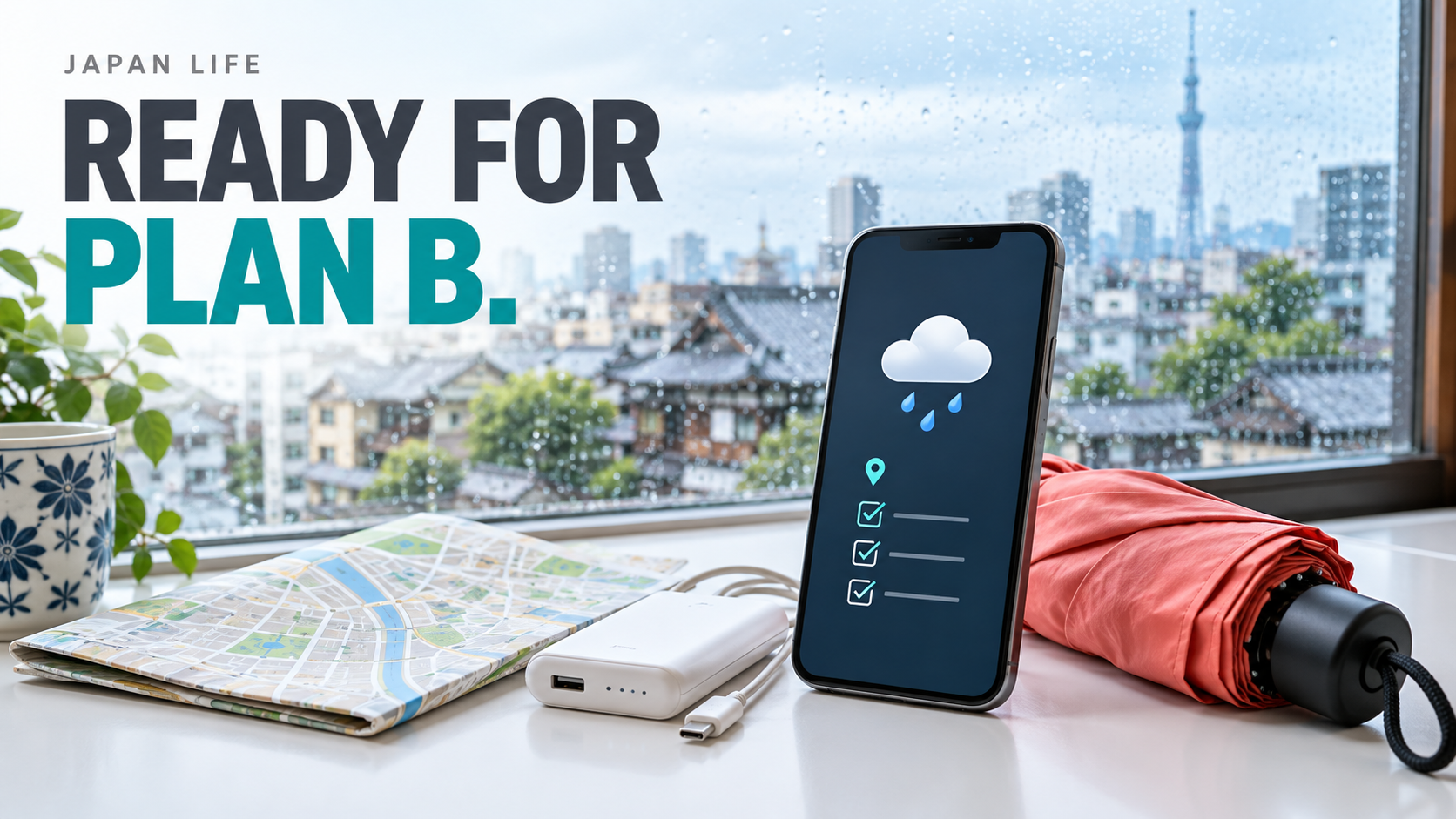
A generic weather icon is useful for deciding whether to carry an umbrella. It is not a replacement for reading an official warning or local instruction. Keep those tasks distinct.
Before a longer outing, check the actual area and time period rather than the weather at the place where you are standing. Save the transport operator's service-information link separately if disruptions could affect the journey. Weather information and train-operation information answer different questions.
This is a suggested planning habit, not a forecast of what will happen on your trip.
Install one alert source deliberately
JNTO's Safety tips page describes an app providing push alerts for earthquake early warnings, tsunami warnings, and weather warnings, along with helpful phrases and disaster-related information. It supports several languages, including English and Indonesian. Use the official links to find the current app and check its current settings. Safety tips: official app information
Do not stop at the download screen. Review the language, location, notification permissions, and any setup steps the app currently requires. A familiar icon on the phone is not proof that useful alerts can reach you.
Also understand the limit: an app cannot guarantee timely delivery of every warning. Connectivity, device state, and service availability can affect what you receive. Keep access to official web information and pay attention to instructions around you.
The calm moment to learn the interface is before you need it.
Your municipality matters as much as your map app
For residents, save the municipality's disaster-information page and relevant local maps. For visitors, review the local information for where you are staying and ask the accommodation about its instructions.
Yokohama's English preparation page links to local hazard information and explains different evacuation facilities. That distinction matters: a generic map pin marked "shelter" is not enough to tell you what facility is appropriate for a particular hazard or whether it is operating. Yokohama: preparing for disasters
Use Yokohama only as an example of what to look for. If you are elsewhere, find that municipality's guidance. Check the current information and the hazards relevant to your location rather than borrowing a plan from another city.
Do not let a polished navigation route override emergency restrictions or instructions. A route that looks convenient on a normal day can be unsuitable during an incident.
The private note that does not need a new app
Write a concise note with the address where you are staying, an appropriate contact, and the official information links you have verified. Include the address in Japanese if the accommodation or property manager supplied it, rather than relying on an improvised translation.
Keep a copy available offline where your device supports it. If traveling with someone, agree how to contact each other and what you will do if you become separated. This is an organizational suggestion; decide details using the current local guidance and your circumstances.
Be thoughtful about privacy. An address and contact list can be useful without putting passport scans, payment-card photos, and every identity document into an unlocked note. Keep sensitive information protected and share only what is necessary.
A backup should still be understandable. A mysterious screenshot cropped so tightly that the city name is missing is not much of a backup.
Know the numbers before you need the numbers
JNTO lists 110 for urgent police assistance and 119 for fire or ambulance emergencies. Its Japan Visitor Hotline is a separate information and assistance service, not a replacement for contacting emergency services when urgent help is needed. JNTO's official hotline and emergency-number page
Save those distinctions clearly. Do not make test calls to emergency lines. When urgent assistance is required, use the relevant emergency service and follow the operator's instructions rather than waiting for a blog, chatbot, or social-media reply.
For non-urgent questions, use the appropriate official or local support channel. Keeping urgent and ordinary contacts separate makes the note more useful, not less comprehensive.
A five-minute practice run
Try this illustrative check on a quiet afternoon:
- Open the official weather page for your location.
- Find the local information page you saved.
- Open your address note without searching your inbox.
- Review the alert app's current notification settings.
- Confirm how you would contact your travel companion or household.
Do not simulate an actual emergency or trigger public alarms. The exercise is simply finding information. If something takes several minutes of searching, give it a clearer name or move it somewhere easier to reach.
Then stop. Preparedness does not require constantly checking alerts or installing every possible app. A small verified setup is easier to maintain than a huge one you do not understand.
Update the setup when your location changes
Keep saved information and live information visibly different. An offline copy of a local map can help you recognize places, but it cannot tell you whether a warning has just changed or a facility has opened. Put the date on saved copies and leave the official live link beside them. When you share information with someone else, include the source and its timestamp rather than only a cropped image. That small habit makes it easier to notice when useful background information is being mistaken for a current instruction.
If you move apartments or change cities during a trip, review the local links and saved address. Remove old shortcuts or label them clearly so you do not accidentally consult the previous city's information.
Likewise, review the setup when an official service changes or after a device upgrade. Notification settings and saved files should not be assumed correct forever.
The Cabinet Office maintains a multilingual directory of useful disaster-related apps and websites. It is a better starting point for reviewing your sources than an undated list copied around social media. Cabinet Office: helpful apps and websites
No phone setup makes you immune to disruption. Its purpose is more modest and more practical: reduce confusion, improve access to current instructions, and make the next sensible action easier to identify.
Less clutter, more confidence
The finished version should fit in your head: official weather, local guidance, configured alerts, private address note, correct contacts.
That helps with ordinary travel days as well as preparation. You spend less time asking which screenshot to trust and more time reading the information that actually applies where you are. A useful Japan phone setup is not the one with the most apps. It is the one you can use when your attention is already elsewhere.
Sources
- JMA: Multilingual weather and disaster information (checked 2026-10-05)
- JNTO: Safety tips app (checked 2026-10-05)
- Yokohama: Preparing for disasters (checked 2026-10-05)
- JNTO: Visitor hotline and emergency contacts (checked 2026-10-05)
- Cabinet Office: Helpful apps and websites (checked 2026-10-05)